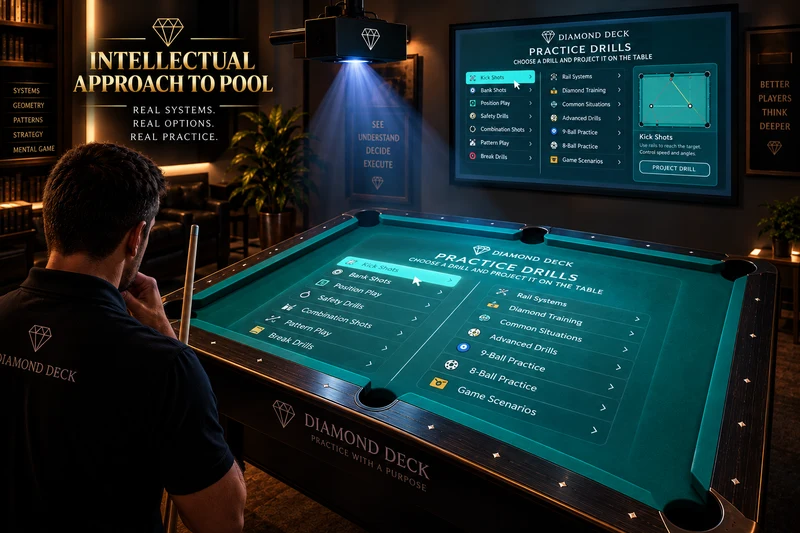
Choose. Project. Set. Practice.
Select a card or drill in the app, align your projection setup, place the balls using the displayed layout, and practice the shot. Repeat the setup to compare your attempts.
Real-table scale starts with calibration
Align the projected outline with your table using position, scale, rotation and keystone controls. Calibration connects the digital layout to the physical playing surface.
A connected practice setup
Cards give you a starting point. QR links connect you to the app. Projection makes the layout visible at the table. The practice is still yours.
For coaches and pool rooms
A visible layout can give a player and coach a common reference for discussing the shot. Explore how this could fit your teaching space before choosing equipment.