Read the shot before you play it
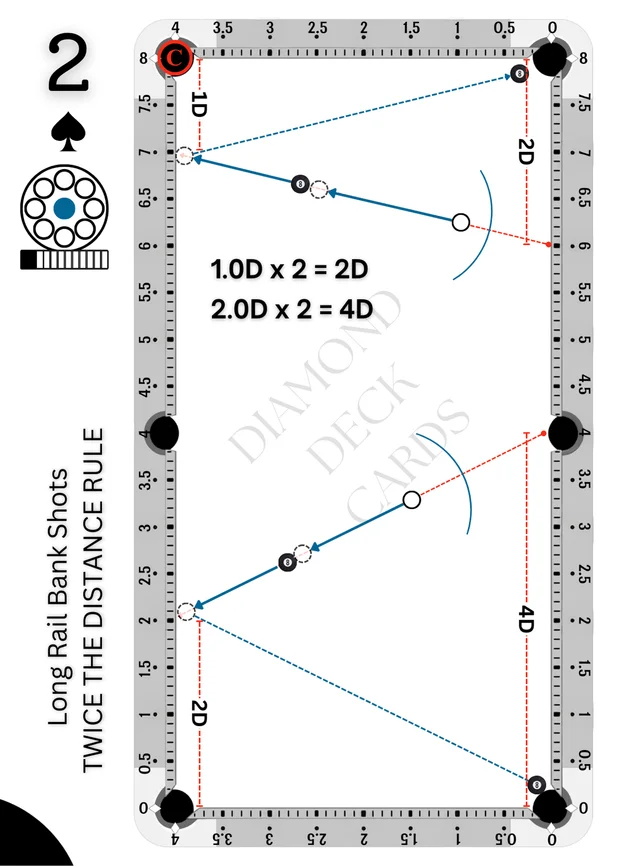
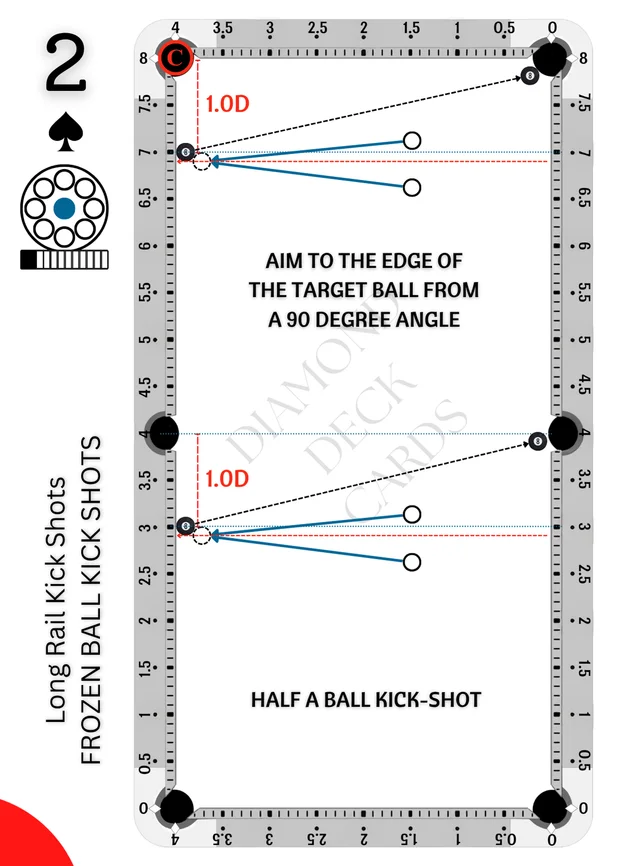
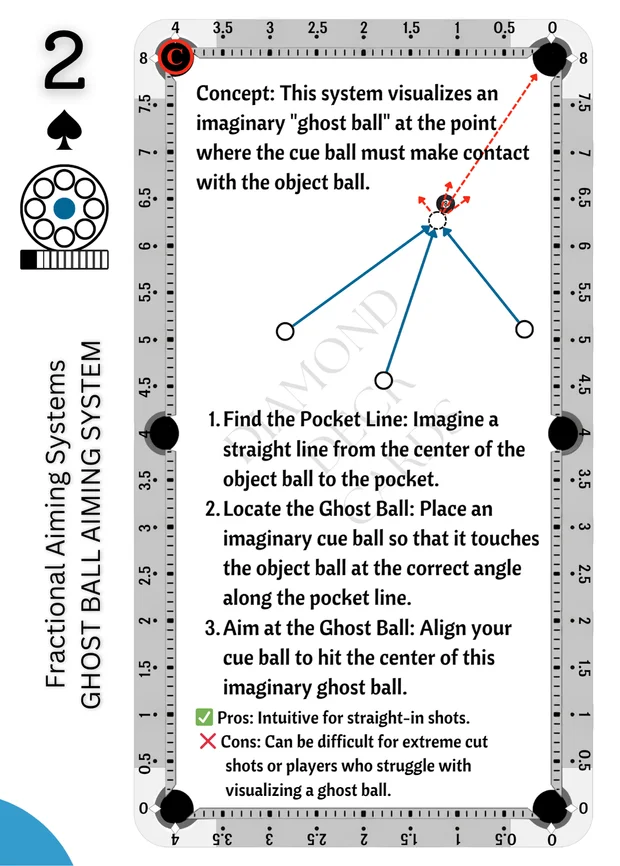
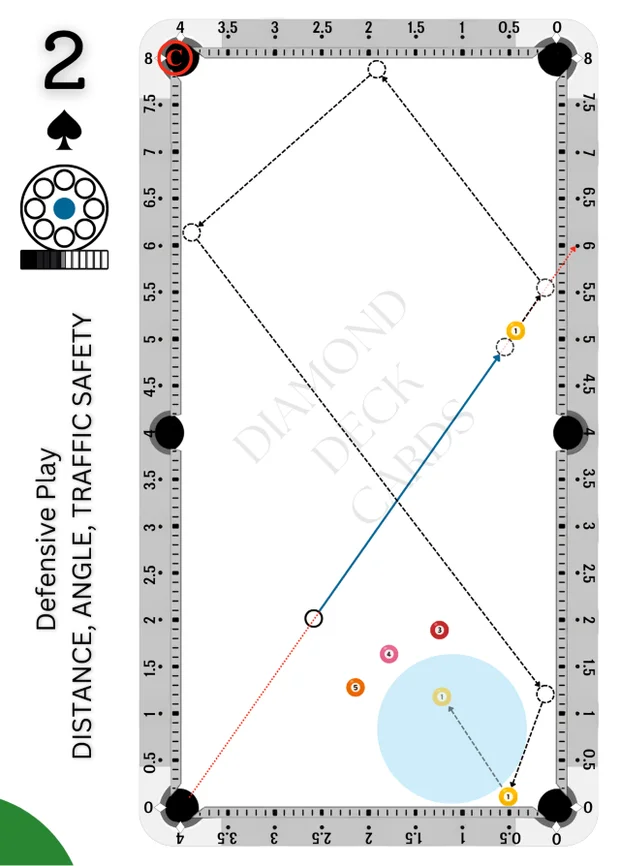
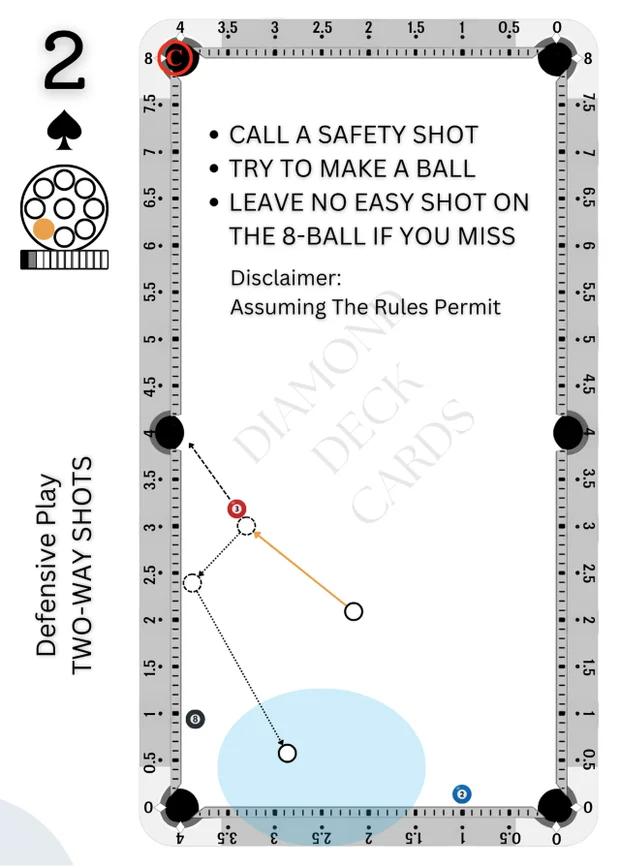
Start with the table diagram and shot code. Use the aim, spin clock and speed information to study the intended shot. The QR code connects the card to its digital exercise.
- Diagram: identify the ball positions and paths.
- Shot code: keep track of the exercise you are studying.
- Spin clock: read the indicated cue-ball contact point.
- Speed / power: use the shot’s guidance as a starting point, then observe your table.
One card. More ways to understand.
Open the shot in the app, explore its explanation in the companion book as that content becomes available, or bring the layout onto a calibrated projection table.