Complete Practice Guide
Study the systems behind the Black Deck layouts.
THE DIAMOND DECK ECOSYSTEM
A connected way to learn pool.
From a card in your hand to a shot on your table.
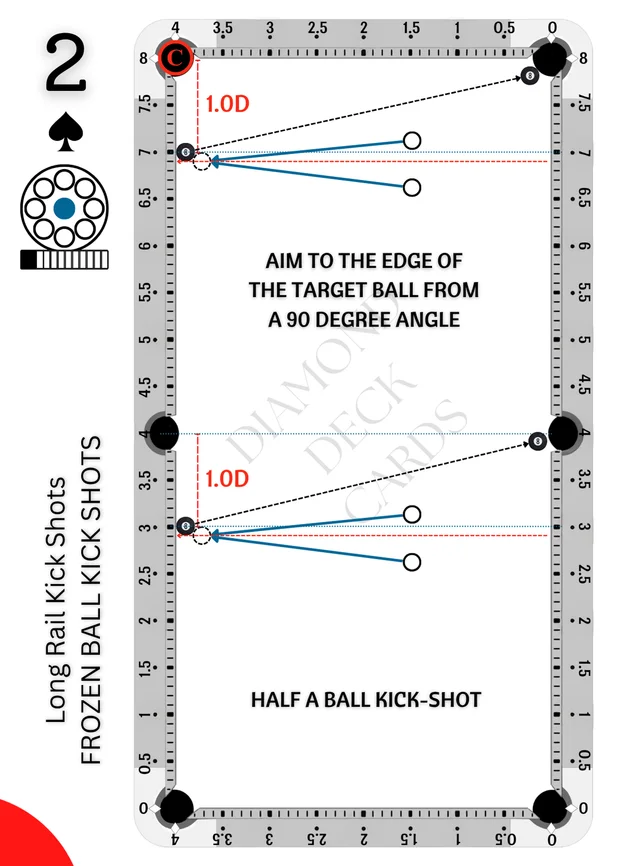
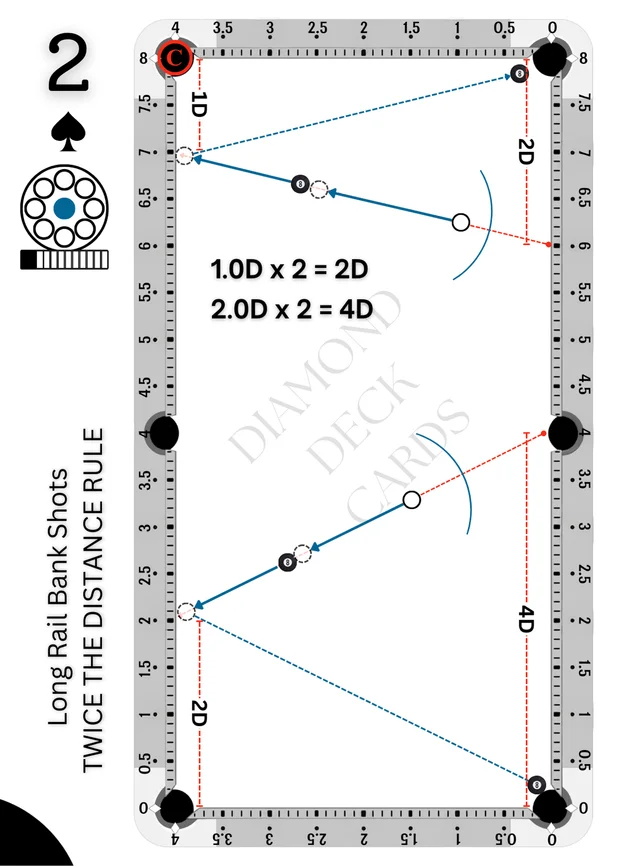
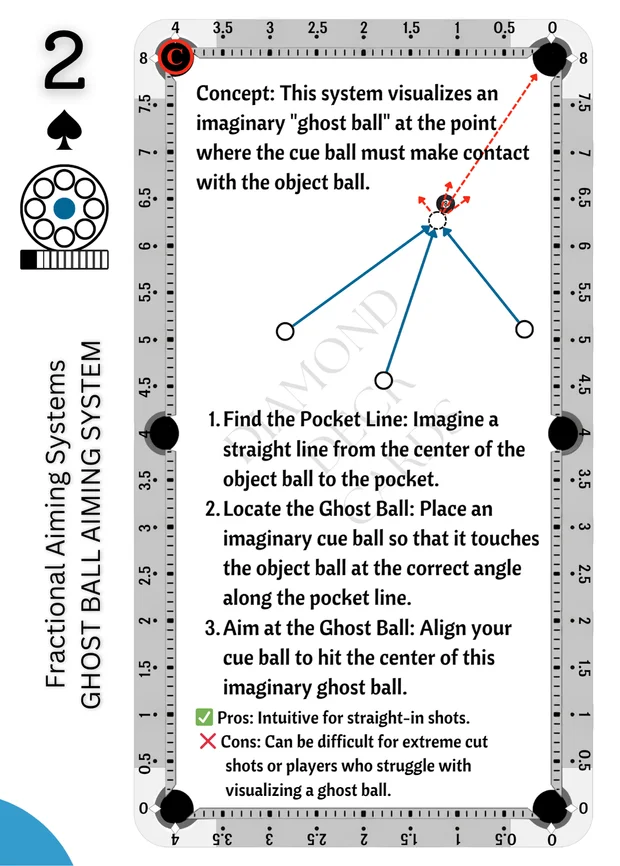
Bring a clear plan to your next practice session. Explore free pool training books and PDFs, starting with the Black Deck Practice Book.
Explore Free eBooks →Delivered by secure email link. No account required.
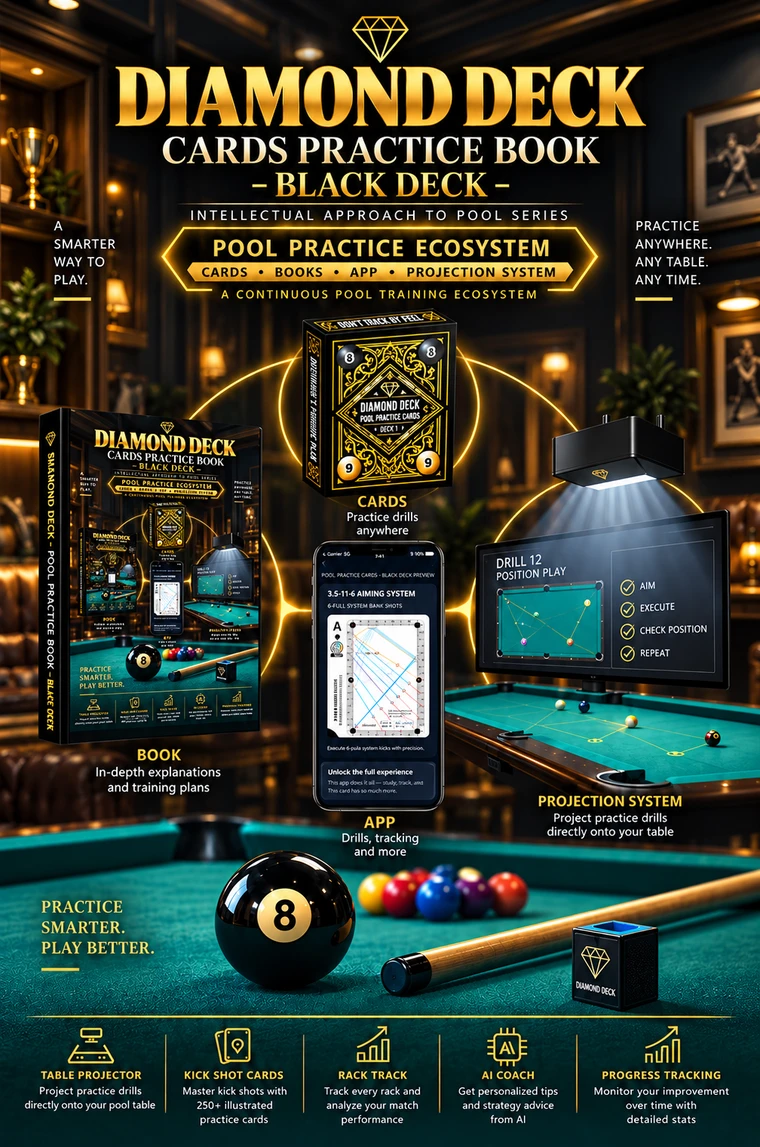
Diamond Deck Pool Practice Ecosystem
One ecosystem. Multiple tools. One smarter way to practice.
Diamond Deck brings the tools of structured pool practice into one connected ecosystem. Learn the system in the books. Take compact drills to the table with the cards. Use the app to keep practice interactive and accessible. Use the Projection System to put layouts and reference lines directly onto the table. Then turn all of it into execution.
Use the right tool for the job — without leaving the system.
EXPLORE THE POOL PRACTICE ECOSYSTEM →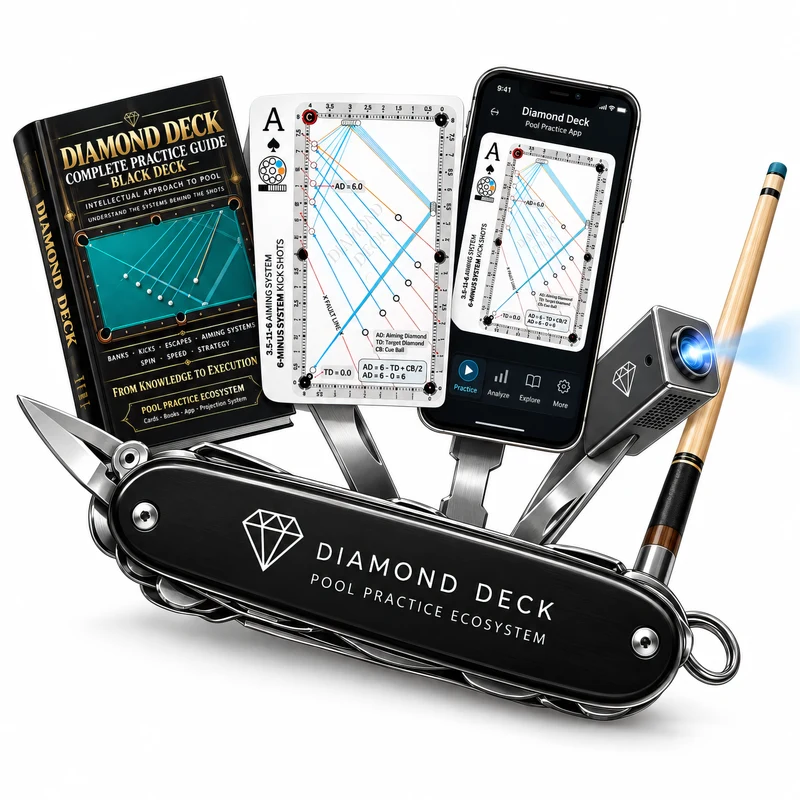
MORE THAN A DECK OF CARDS
Each part of Diamond Deck gives you a different view of the same practice. Together, they connect explanation, visualization and time at the table.
Your starting point. A visual situation to study, set up and practice.
02The digital companion. Explore shot details and your practice library.
03The layout, on your table. See where understanding meets practice.
04The deeper explanation. A companion reference library in preparation.
THE PHYSICAL COLLECTION
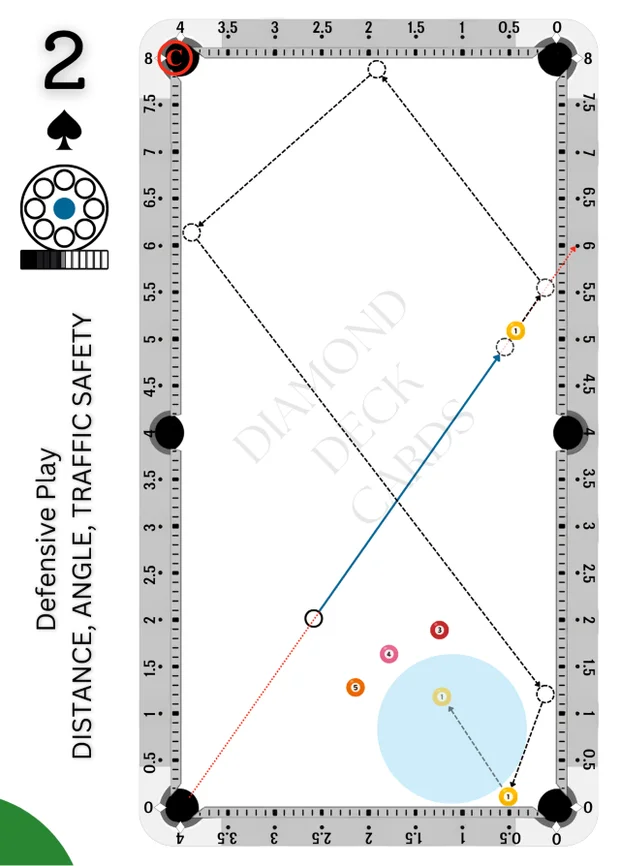
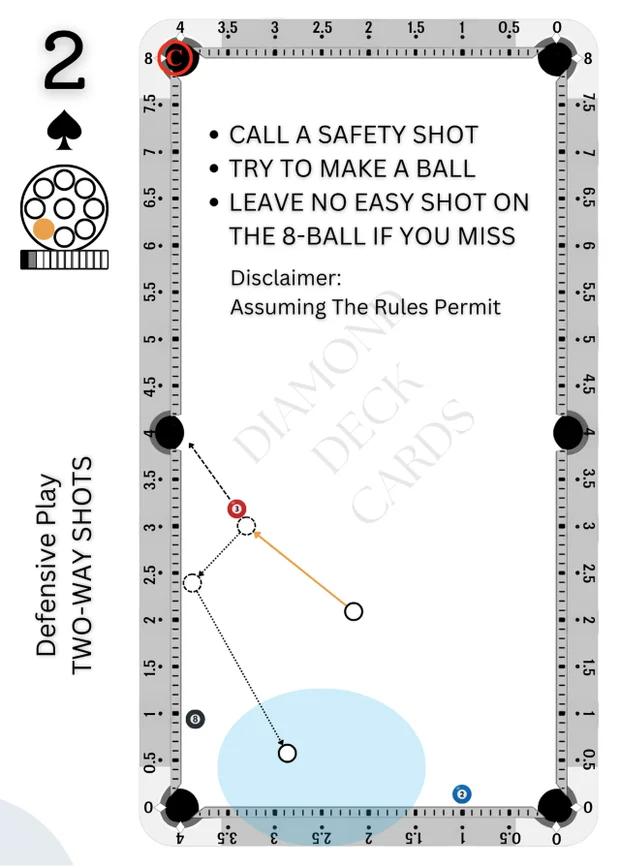
Actual card examples from the Diamond Deck library. Explore each deck before choosing.
FROM CARD TO CLOTH
You don’t need every tool to begin.
Start with a shot. Build your understanding.
Give your session a specific shot to work on.
Use the diagram to place the balls on the table.
Connect the physical card to its digital exercise.
Read the aim, spin and speed information in the app.
With a calibrated projection setup, bring the layout onto the cloth.
Compare the result, make an adjustment, and try again.
Turn your pool table into an interactive practice surface.
Choose a drill in the Diamond Deck system and project it directly onto your table. See the setup where you practice, work through the problem, make adjustments, and repeat.
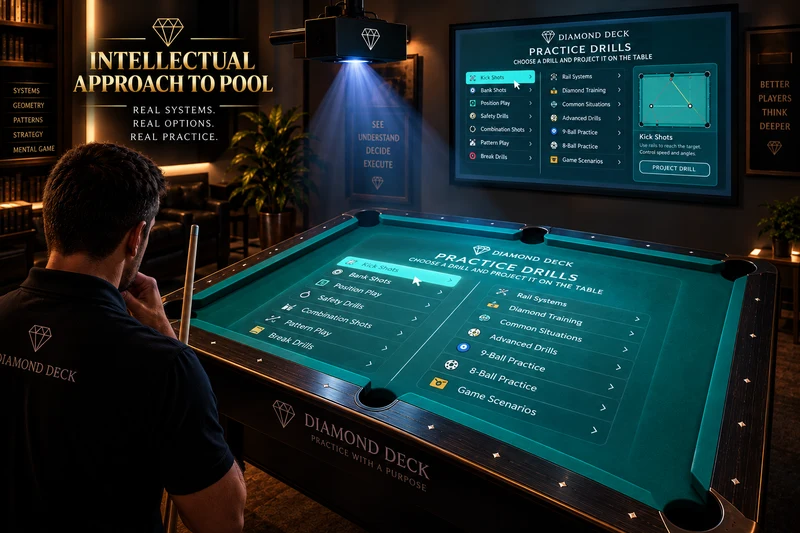
Choose → Project → Practice → Adjust → Repeat
Explore the Projection SystemDIAMOND DECK APP
Move from the physical card to its digital exercise. Explore diagrams, aim, spin and speed, then return to the table with a clearer idea of what to practice.
THE COMPANION BOOKS
The card introduces a shot. The book explains the thinking behind it. A growing reference layer for connecting concepts to the practice in front of you.
Explore the book series →The two Black Deck books are available now. More deck books are in preparation.
Study the systems behind the Black Deck layouts.
Work through layouts and record your observations.
THE PHILOSOPHY BEHIND THE INTELLECTUAL APPROACH TO POOL
Geometry. Aim. Speed. Spin. Cushion interaction. Each helps explain the path the balls take. Diamond Deck connects that understanding with structured practice.
No tool replaces practice.
Improvement happens through observation, adjustment and repetition.
YOUR TABLE. YOUR NEXT STEP.
Give your next session a clear purpose, whether you are learning a concept or returning to a familiar shot.
Start with one shot →Use the same diagram as a shared reference. Discuss the plan, observe the result, and work through an adjustment.
Explore teaching possibilities →Explore how visual practice could fit your space and the players who use it.
Explore venue possibilities →UNDERSTAND. SEE. PRACTICE. REPEAT.